R6 Aim Controls
R6 Aimbot Controls: FOV, Smoothing and Targets
RageByte's R6 aim section provides configurable activation, field-of-view, smoothing, target-selection and visibility controls for the Windows PC product. This page explains what each public option changes, what it cannot guarantee, and which checks should be completed before purchase or use.
- Adjustable field-of-view area for target acquisition
- Smoothing controls for the speed of aim correction
- Selectable target bones and activation bindings
- Visibility and team checks for supported game states
- Saved configurations for documented menu options
- Live product state separated from static feature descriptions
Confirm the current product state before each session.
Eligible orders are delivered through the customer dashboard.
Review platform and hardware requirements before checkout.
How FOV and target selection work together
Field of view defines the on-screen area in which the aim system can consider a supported target. A smaller area limits selection to targets closer to the crosshair, while a larger area considers more of the screen. Target-bone settings determine the preferred point when the selected target is valid. These options affect configuration behavior only; they do not change network conditions, weapon spread, game-server decisions or publisher enforcement.
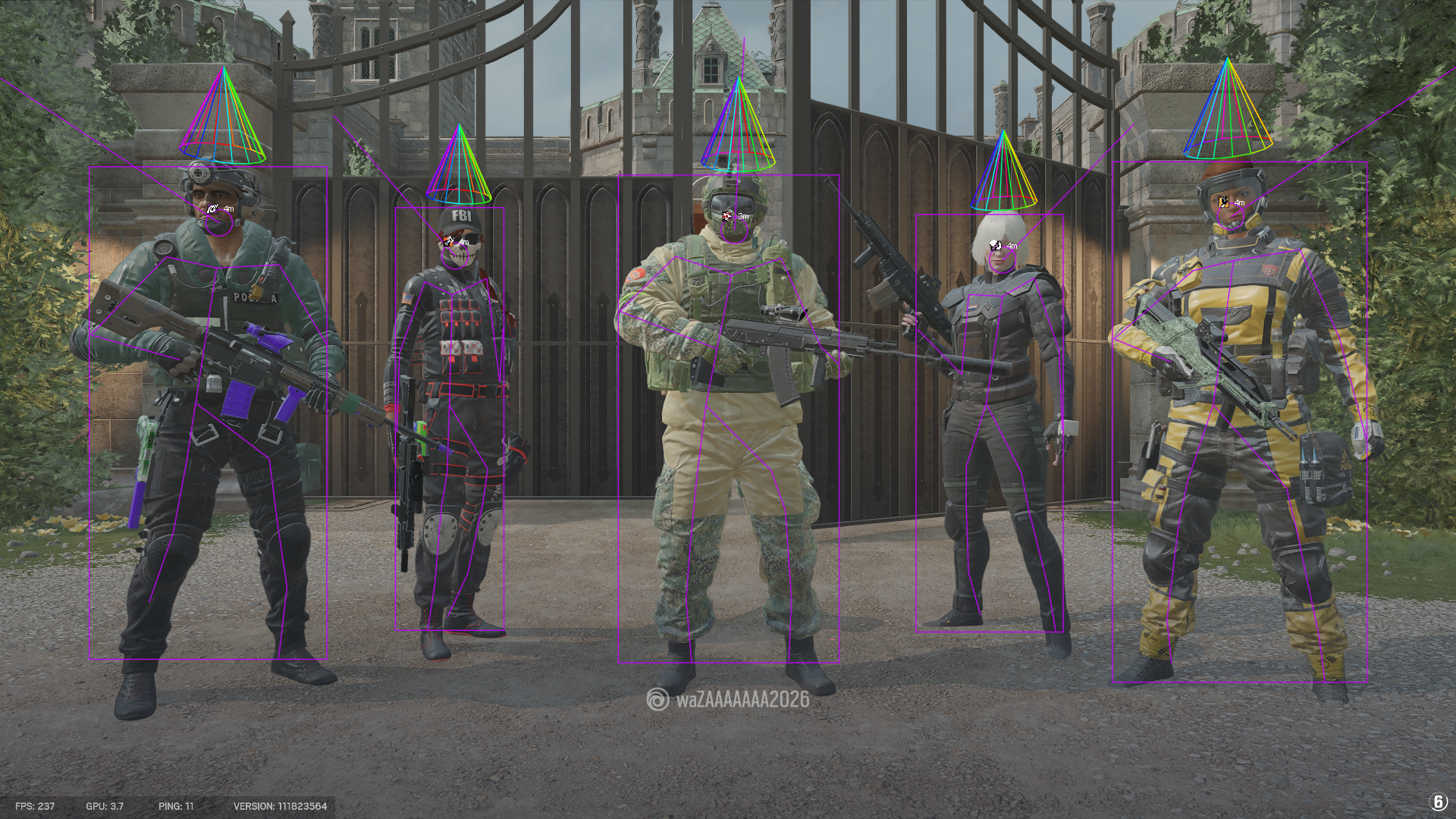
Smoothing, bindings and visibility checks
Smoothing changes how quickly the configured correction moves toward a target. Activation bindings let the user choose when the aim settings are active, and visibility or team checks can exclude states documented by the current build. A conservative configuration may look less abrupt, but no setting makes third-party software safe or undetectable. The available controls should be verified against the current product menu because game updates can change supported behavior.
Pre-purchase and session checks
Confirm that the R6 product supports the purchaser's Windows version, processor and account setup. Read the setup and device-reset rules before activation because the key binds to approved HWID and GPU HWID values. Immediately before a session, open the status page and verify that the product is available. Stop when it is updating or unavailable, and use Ubisoft's current player-protection information as the primary source for publisher-side changes.
Frequently Asked Questions
Review notes and sources
Reviewed by the RageByte product team on . This supporting page is checked against the current product page, checkout options, status information and publisher documentation. Send corrections to [email protected].
Primary reference: Ubisoft Rainbow Six Siege Player Protection. Third-party software can violate publisher rules and lead to account or hardware penalties. A status label records a current check, not a guarantee against future detection.
Before checkout, read the refund policy and privacy policy.
Explore the Rainbow Six Siege hub
Related pages covering the full R6 product, ESP, radar and Ubisoft protections.
Current plans, compatibility, media and live product status for Rainbow Six Siege.
Player, operator, gadget, drone and radar display options explained.
A sourced overview of BattlEye, Ubisoft protections and MouseTrap.
Check the current product state before every session.
Review the current product options
Confirm compatibility, live status and purchase terms before checkout.