Rust · Chams
Rust Chams — Player, Weapon, Hand & 9 Style Presets
Chams are the visual layer on top of the Rust ESP — they recolor players, weapons and hands so they pop against any background. RageByte ships three cham channels (Player, Weapon, Hand), nine style presets including Wireframe and Glow Eyes, and a dedicated Visible Check for chams so occluded targets render differently from line-of-sight ones.
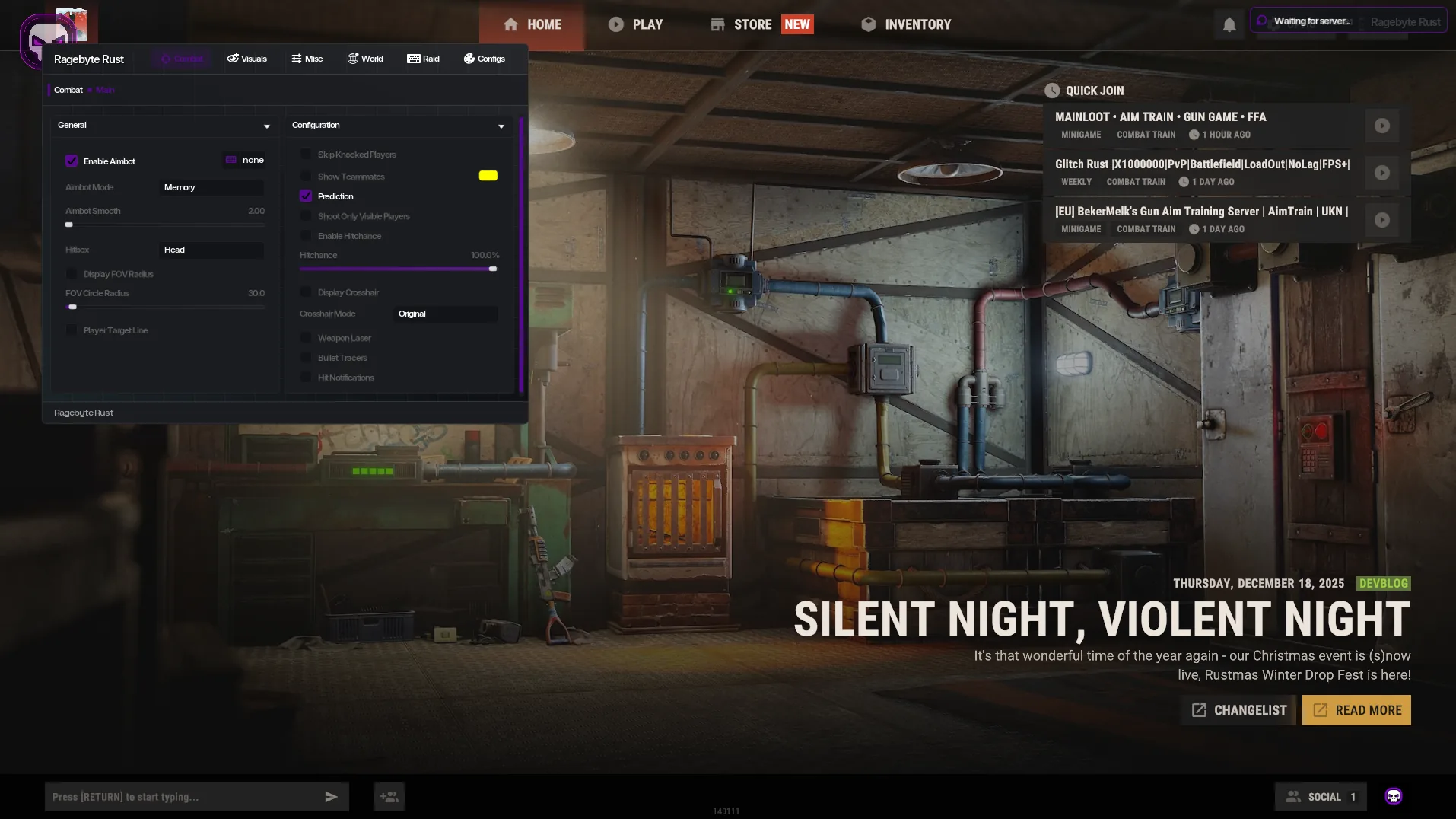
- Player Chams, Weapon Chams, Hand Chams
- Styles: Pink, Flame, StarTrail, Rainbow, Vis Manpad, Atmosphere, Glow Green, Wireframe, Glow Eyes
- Visible Check Chams (occluded vs line-of-sight)
- Direction Line + Draw Player Flags
- Show Reload Bar and Show Ammo Count overlays
- OOF Arrows (Out of FOV) and Anti-Fly-Kick Bar
Confirm the current product state before each session.
Eligible orders are delivered through the customer dashboard.
Review platform and hardware requirements before checkout.
Three channels, not just one
Most cheats give you a single 'chams' toggle. RageByte splits it into three: Player Chams recolor body models, Weapon Chams recolor whatever the enemy is holding (huge tell for sniper vs eoka before the peek), and Hand Chams recolor your own viewmodel — handy for matching a clean look to your aimbot's FOV color.
Nine style presets
Pink and Glow Green are the classic high-contrast picks for forest/desert biomes. Wireframe is the legitimacy-favorite — a thin outline that's readable but never washes the screen. Flame, StarTrail and Rainbow are the rage / streamer styles. Vis Manpad and Atmosphere are designed to read through smoke and water. Glow Eyes is the subtle pick: only the eye glow is colored, the body stays vanilla.
Visible check for chams
Visible Check Chams renders enemies in line-of-sight in one style and occluded enemies in another (or hides the occluded ones entirely). This is the single most useful cham setting for legit play — your screen isn't lit up with off-screen players, only the ones actually pushing you.
Supporting overlays
Chams pair with Direction Line (which way each player faces), Draw Player Flags (admin, dev, banned markers), Show Reload Bar (time their reload), Show Ammo Count, OOF Arrows for off-screen pushes and an Anti-Fly-Kick Bar that warns you before EAC's flykick triggers.
Frequently Asked Questions
Review notes and sources
Reviewed by the RageByte product team on . This supporting page is checked against the current product page, checkout options, status information and publisher documentation. Send corrections to [email protected].
Primary reference: Facepunch Rust support. Third-party software can violate publisher rules and lead to account or hardware penalties. A status label records a current check, not a guarantee against future detection.
Before checkout, read the refund policy and privacy policy.
Explore the Rust cheat hub
Related guides on Rust aimbot, ESP, silent aim, radar and EAC bypass.
Pricing, plans and instant delivery for our private Rust build.
2026 security guide — per-user builds, HWID spoofing and Web Radar layered against EAC.
Silent / Memory aimbot, hitchance %, FOV and Ore Aimbot for Rust.
Memory-mode silent aim with hitchance, prediction and visible check.
Player, item, ore, radar and Raid ESP with distance and chams.
Sized, positioned 360° radar with range slider and team color.
Review the current product options
Confirm compatibility, live status and purchase terms before checkout.